
Transparent PNG maker
Turn any photo into a transparent PNG on your iPhone.
Pick a photo, keep the subject, fix any rough edges, and export a PNG with a real alpha channel at the photo’s full resolution. The photo is processed on your device and never uploaded.
$3.99 once no subscription no in‑app purchases
Drag to compareClear = transparent PNG


Checking a cutout on light and dark backgrounds is the quickest way to spot halos around fur and hair.
How to make one
Four steps to a transparent PNG.
Detailed walkthrough: How to make a transparent PNG on iPhone.
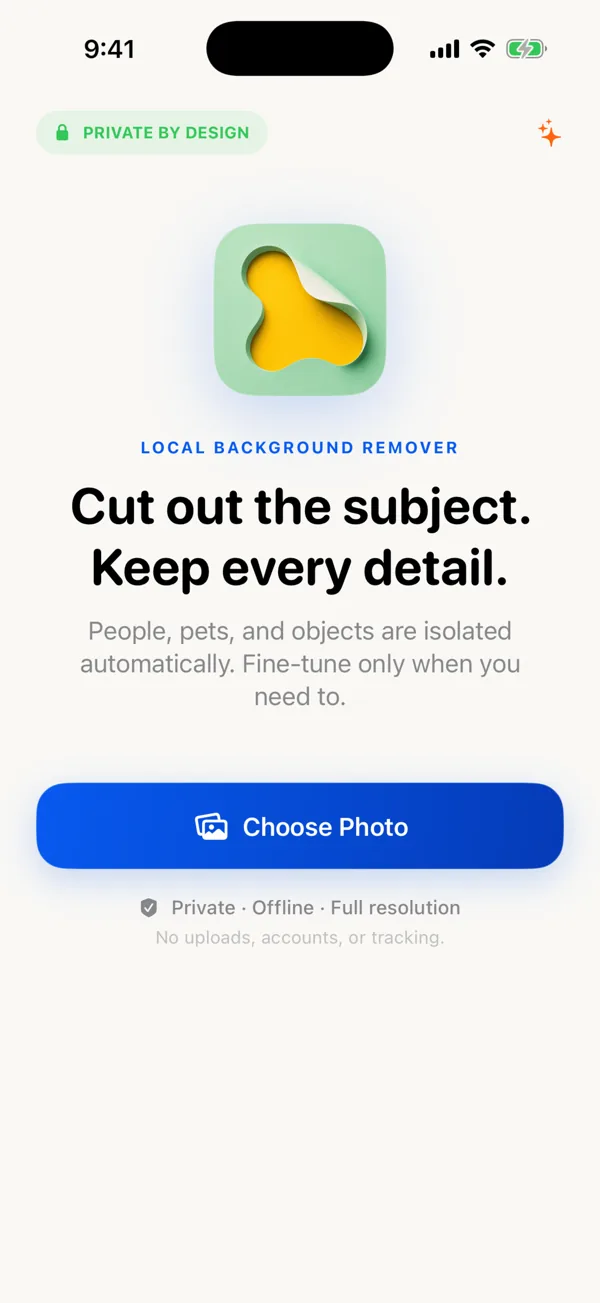
Choose a photo
Apple’s photo picker gives the app only the one photo you select.
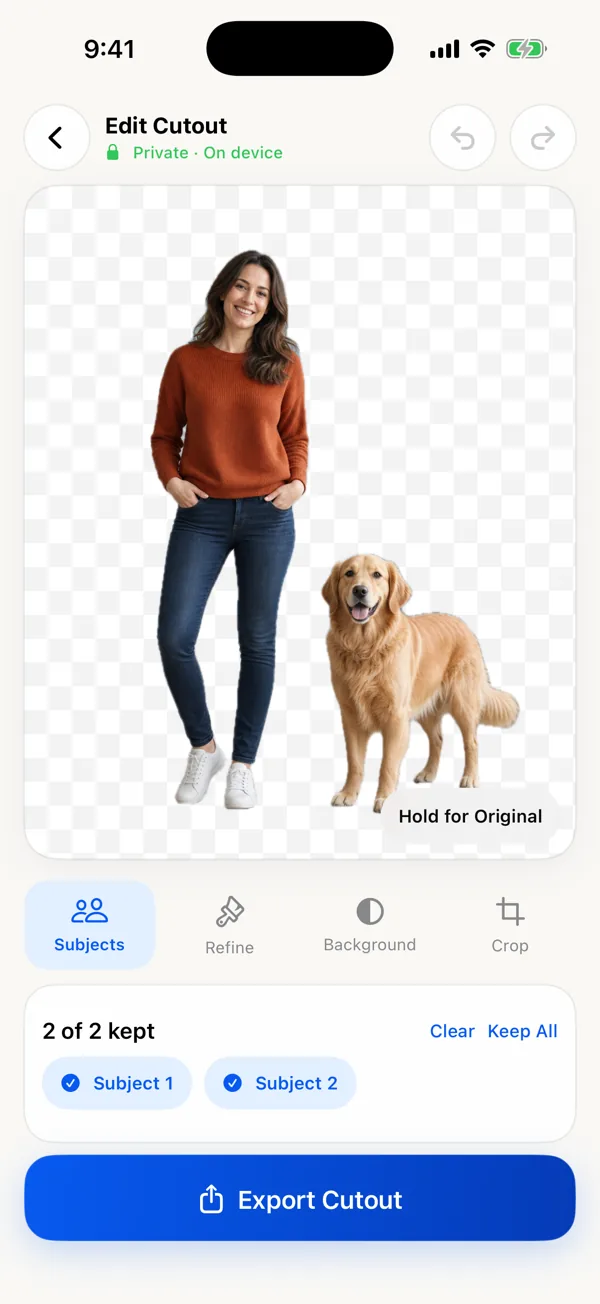
Keep the subject
The cutout appears automatically. Keep one subject or several.
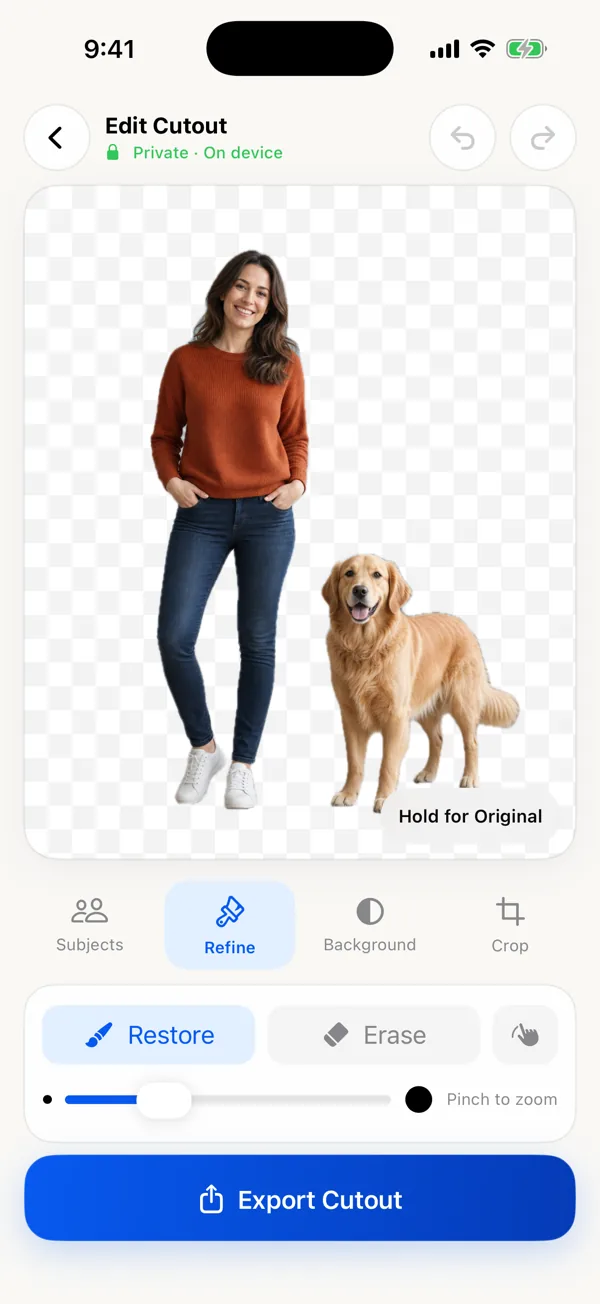
Fix the edge
Zoom in and use Restore or Erase anywhere the mask missed.
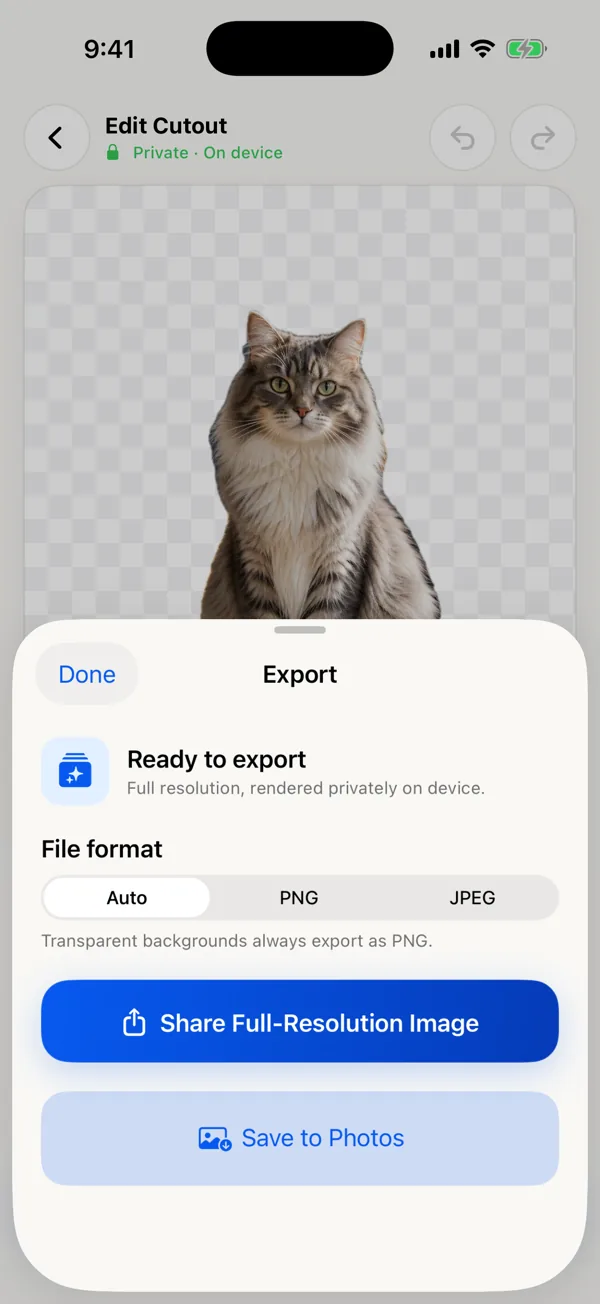
Export as PNG
Leave Background on Clear. Auto format saves a transparent PNG.
What makes it a “real” transparent PNG
A transparent PNG stores an alpha value for every pixel: fully transparent where the background was, fully opaque on the subject, and partly transparent along soft edges like hair and fur. Those in-between values are what keep a cutout from looking like it was trimmed with scissors.
Two things quietly destroy transparency: screenshots, which capture the checkerboard preview instead of the file, and JPEG, which has no alpha channel at all. Export the file itself, as PNG, and share it as a file when the destination might convert it.
Good uses
- Logos, headshots, and product shots for slides, docs, and websites
- Layers for design apps such as Procreate, Keynote, Canva, or Figma
- Pet and people cutouts for collages, cards, and stickers
- Items for product listings (or export straight onto white)
Honest limits
- It edits one photo at a time.
- Fine, blurry, or low-contrast edges may need hand correction, and some will never be perfect.
- Glass and see-through objects are hard for any automatic remover.
- If Photos’ free Lift Subject already gives you the right outline and you only need to paste it somewhere, you don’t need this app.